Restaurant menus
Create a URL QR for a digital menu, style it with brand colors and export it for table tents, windows or flyers.
New native experience for iPhone
Create QR codes for links, Wi-Fi, contacts, events and social profiles. Customize colors, shapes and logo, review your scans and export files ready to share, print or publish.
Built for real QR jobs
People search for QR tools in the moment they need to ship something. inQRedible groups those jobs into templates so a restaurant, creator, event team or small business can make a scannable code without rebuilding the format by hand.
Create a URL QR for a digital menu, style it with brand colors and export it for table tents, windows or flyers.
Use vCard fields for name, phone, email, company, title, website and address so contacts can save details faster.
Turn a network name, password and security type into a QR code guests can scan instead of typing credentials.
Generate event, location, ticket, landing page or social profile QR codes for posters, packaging and presentations.
QR guides
Short guides for high-intent searches, with practical steps and a direct path to the app.
Frictionless QR creation
inQRedible does not start with an empty box. Choose the QR type, fill in the right fields and the app formats the content so you can test, save and reuse it.
Normalized URLs, free text and clipboard paste.
WPA/WEP, hidden or open networks, plus geo coordinates.
vCard, email, SMS, phone and calendar data with proper structure.
Instagram, Facebook, X, WhatsApp, YouTube, Spotify, TikTok and Snapchat.
EAN-13, UPC-A, Code 128 and PDF417 from the same app.
Helpful warnings for URLs, email, phone, coordinates and low contrast.
Visual design
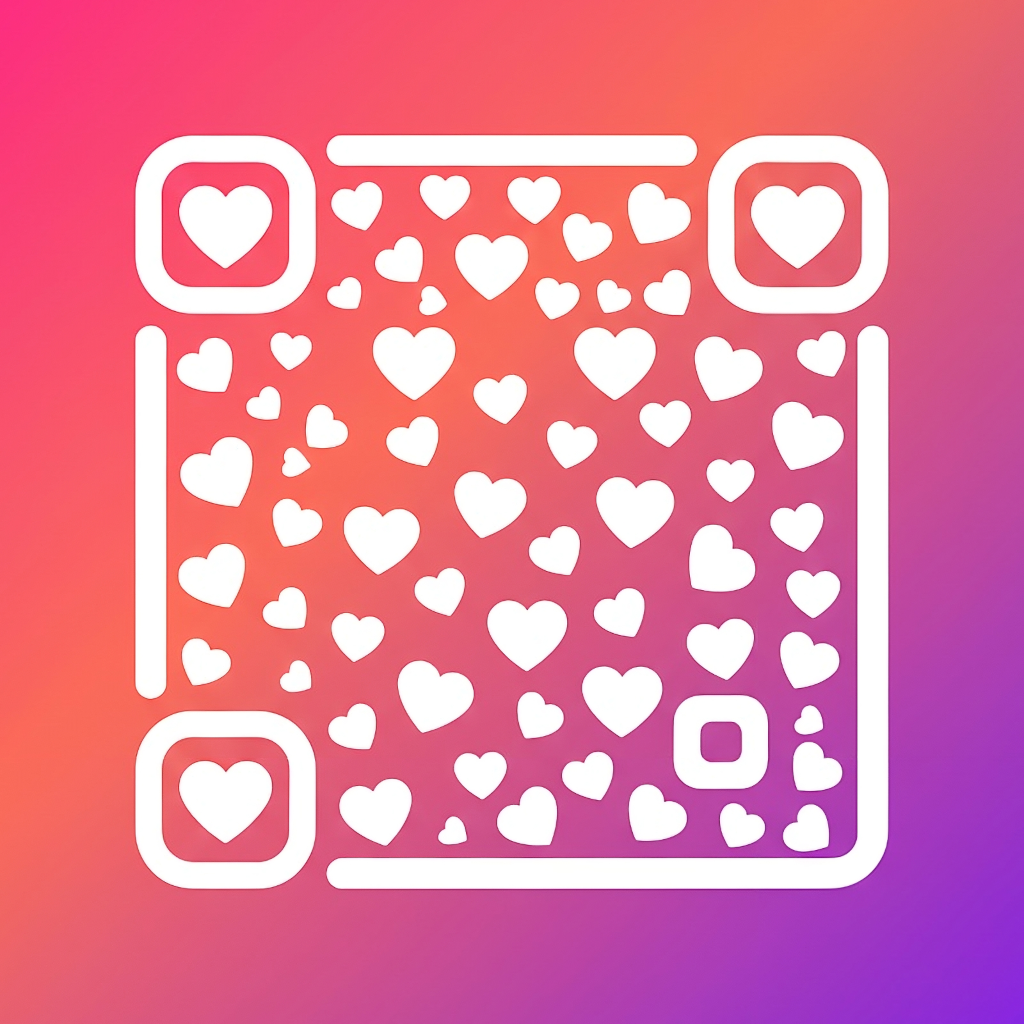
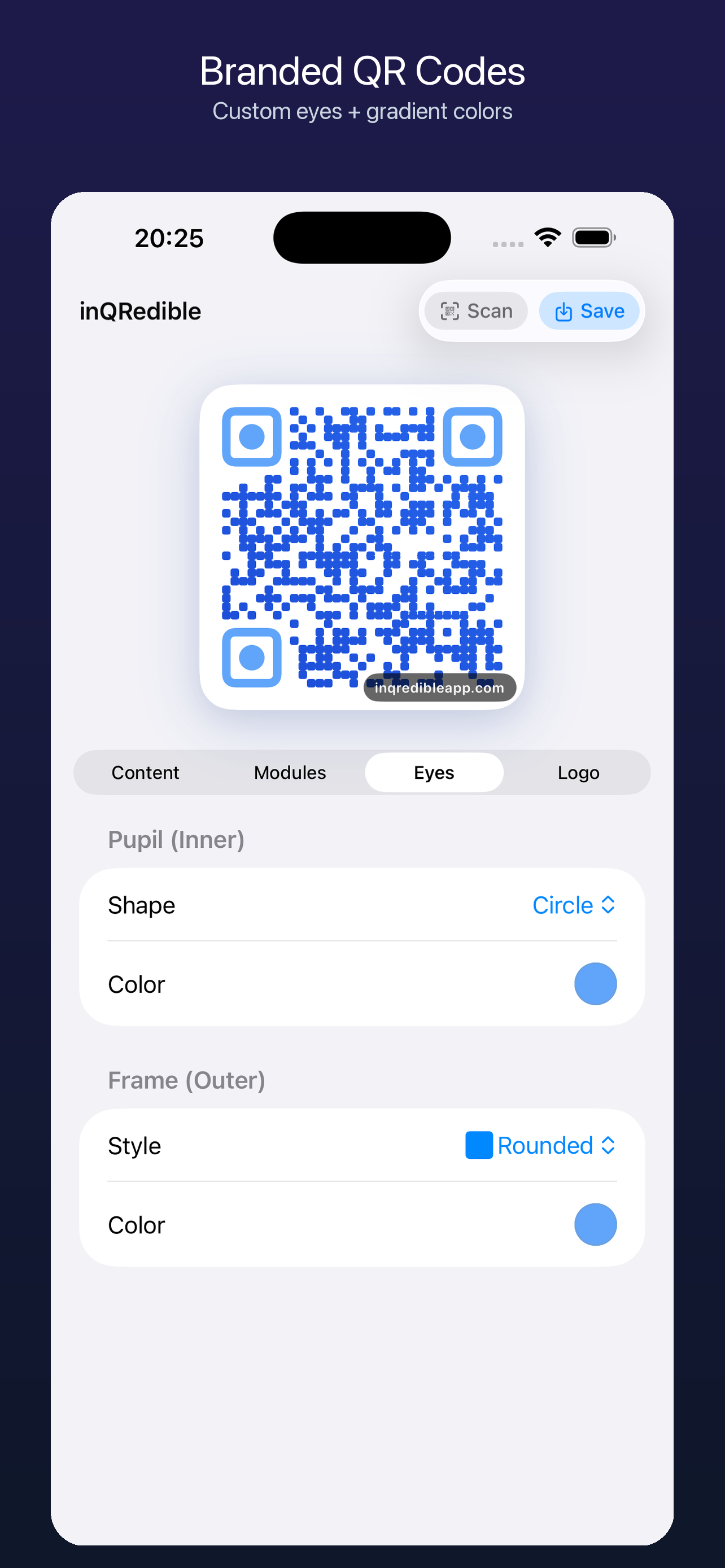
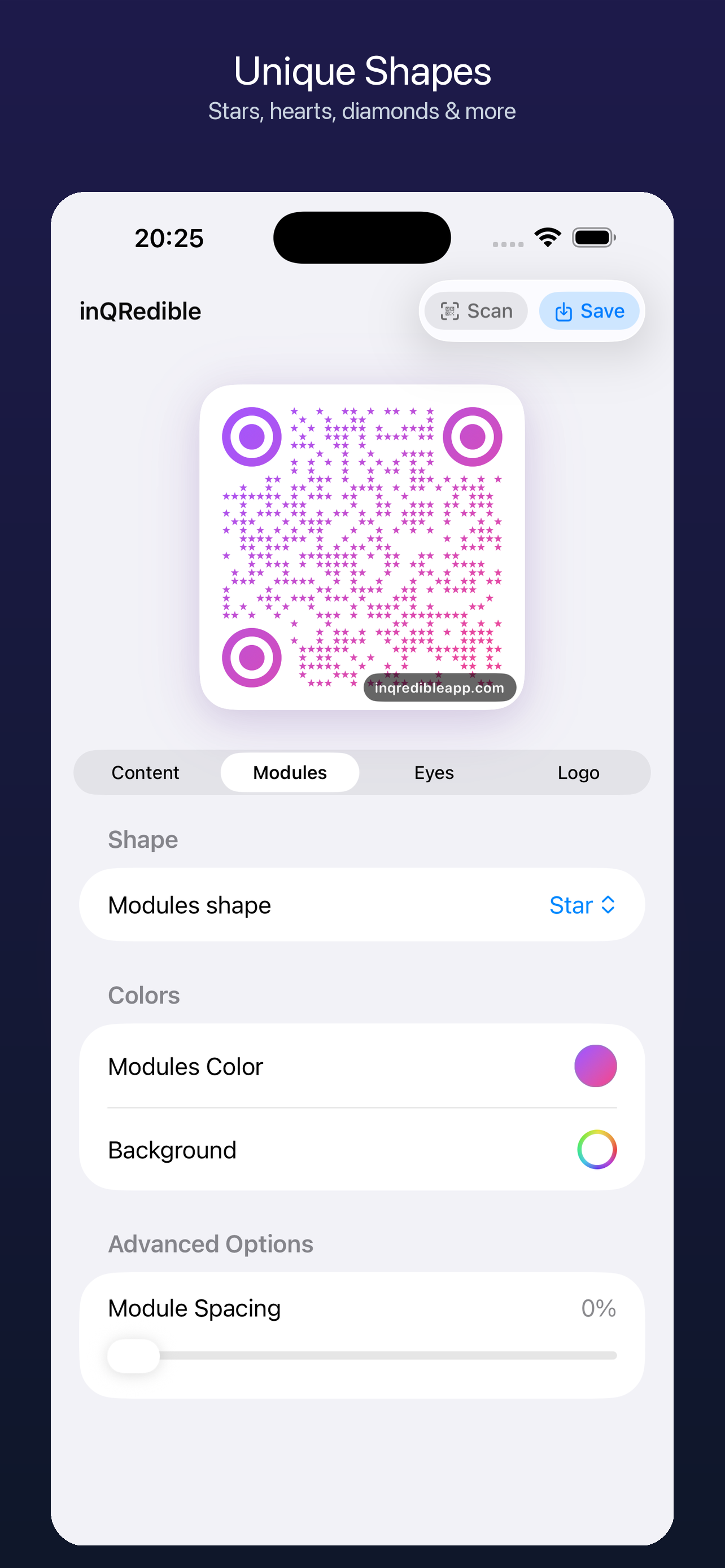
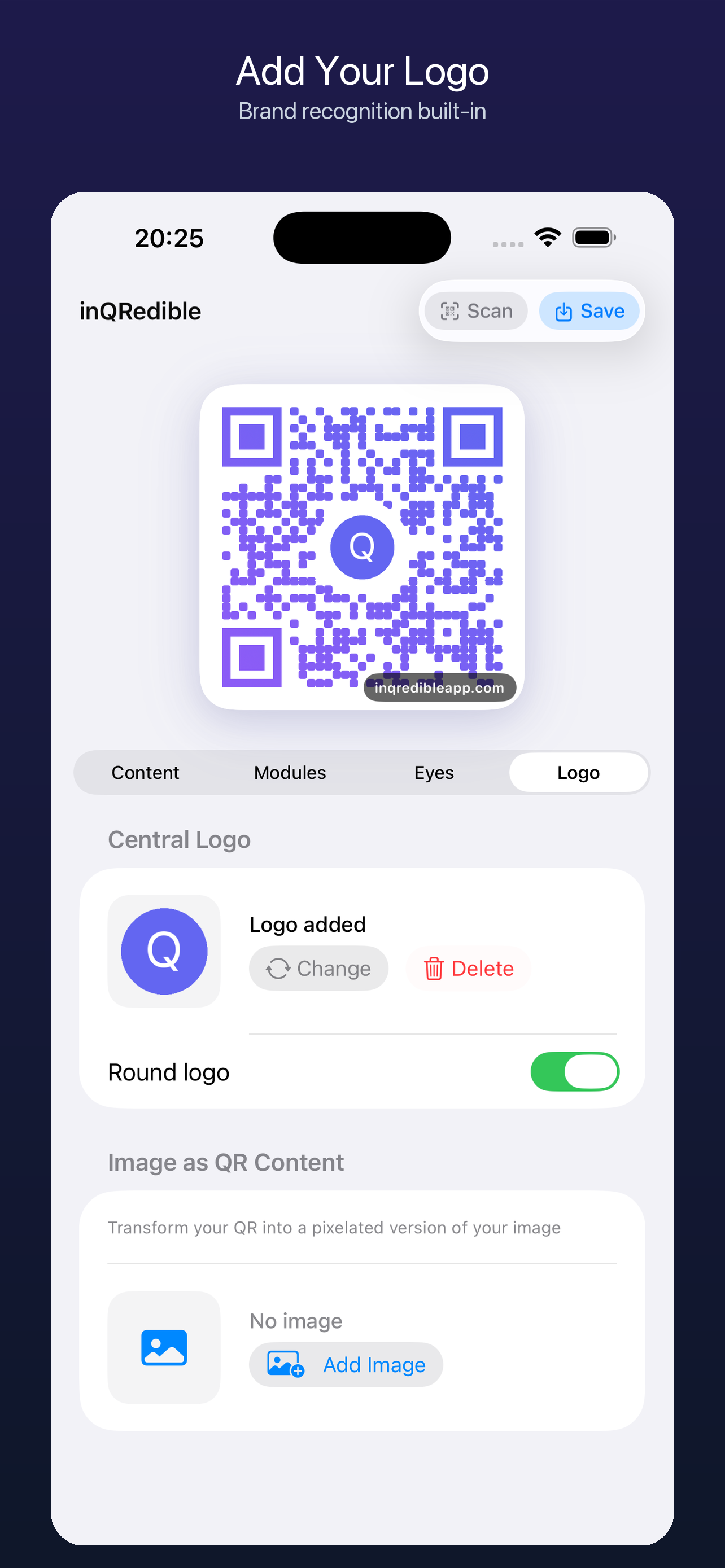
Customize modules, eyes, solid colors or gradients, spacing, center logo, background image and image as visual content. The interface follows native iOS patterns: grouped forms, segmented controls, menus and familiar toggles.
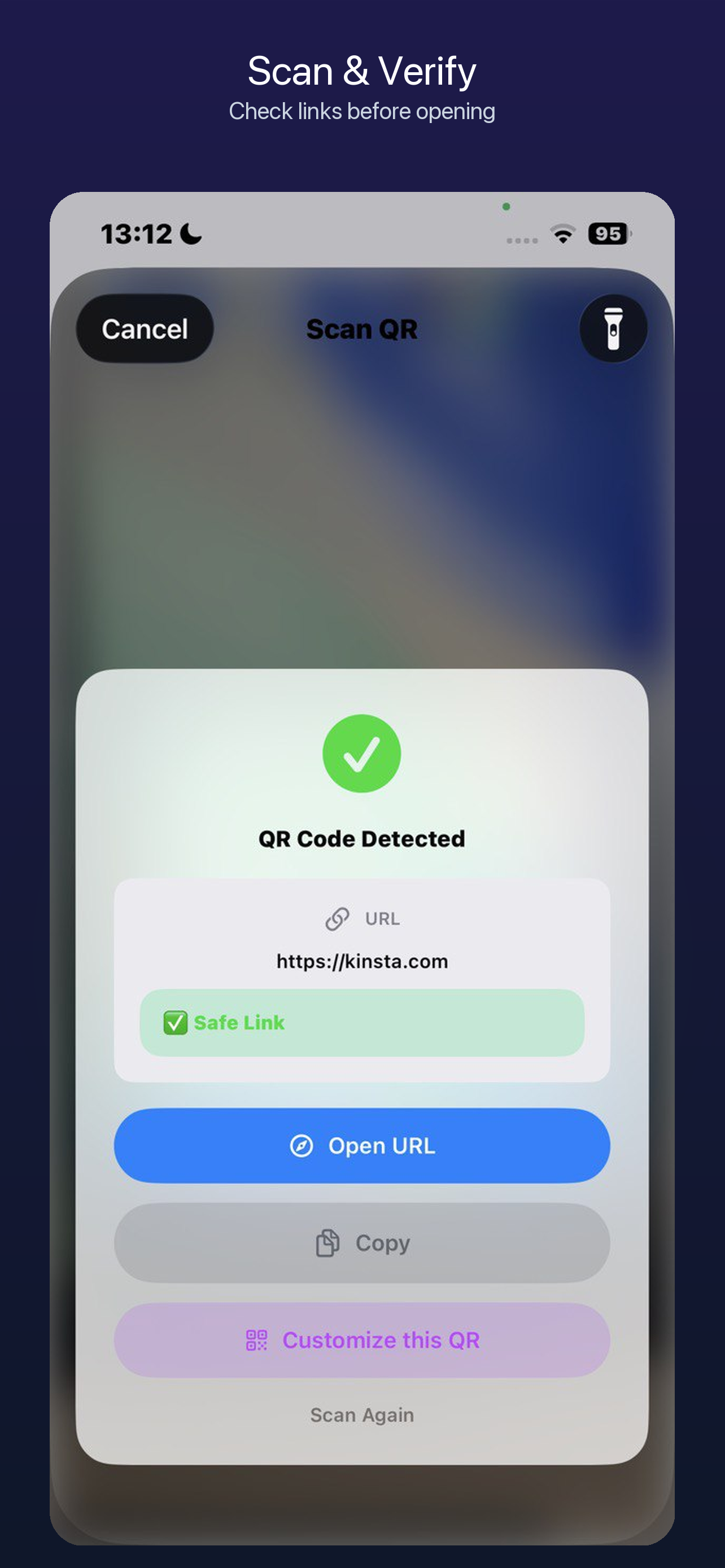
QR and barcode reader
The scanner uses the iPhone camera to read QR codes and compatible barcodes. When it detects links, it shows basic signals such as HTTP, shorteners, IP addresses or suspicious patterns before opening them.
Review created codes and scanned codes without mixing them together.
Open URLs, copy content or send a QR back to the editor to reuse its design.
Risk signals help you decide, but they do not replace your judgment.
Export
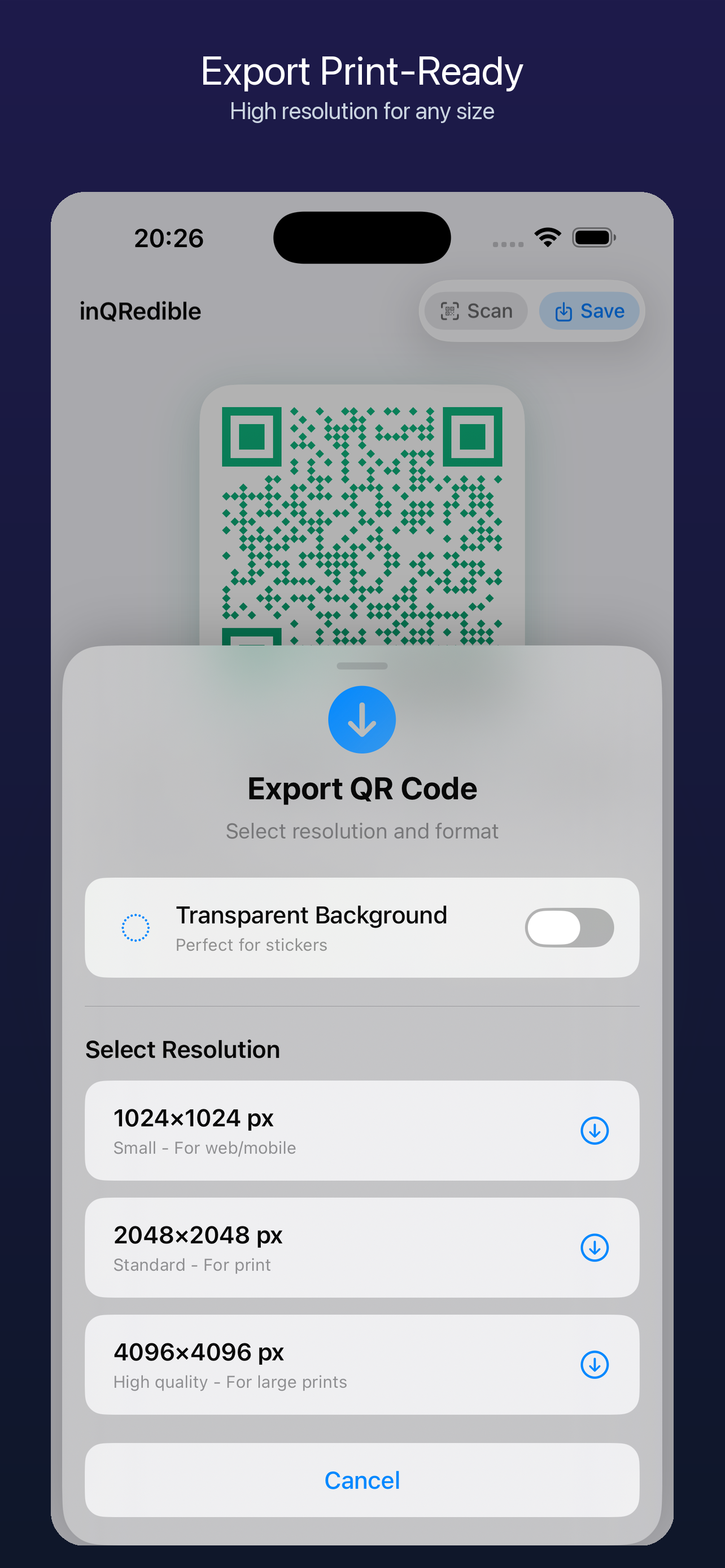
FREE includes 1024 px PNG. PRO adds 2K/4K and transparent PNG plus professional PNG, SVG and PDF with RGB/sRGB print geometry and visible warnings. Results still depend on the reader, printer and material, so test every physical piece before production.
inQRedible PRO
Start with basic creation, warned-link scanning, 1024 px export and up to three projects. PRO adds premium designs and content types, image assets, brand kits, unlimited projects, higher-resolution and professional export.
Try on the App StoreAvailable for iPhone
An app for small businesses, creators, events, restaurants, digital cards and anyone who needs clear, good-looking QR codes that are easy to reuse.
Questions
Yes. inQRedible lets you add a center logo, choose module and eye styles, adjust colors and export the result from your iPhone.
Yes. The Wi-Fi template supports open, WEP and WPA/WPA2 networks, hidden networks and the standard QR Wi-Fi format.
QR content, logos, selected images and history are processed locally for product functions and are not uploaded to inQRedible servers to generate codes. Optional consented analytics and diagnostics are separate and exclude QR, scan, clipboard and user-entered payloads.
inQRedible supports EAN-13, UPC-A, Code 128 and PDF417 generation, plus scanning for QR codes and compatible barcode formats.