Small businesses
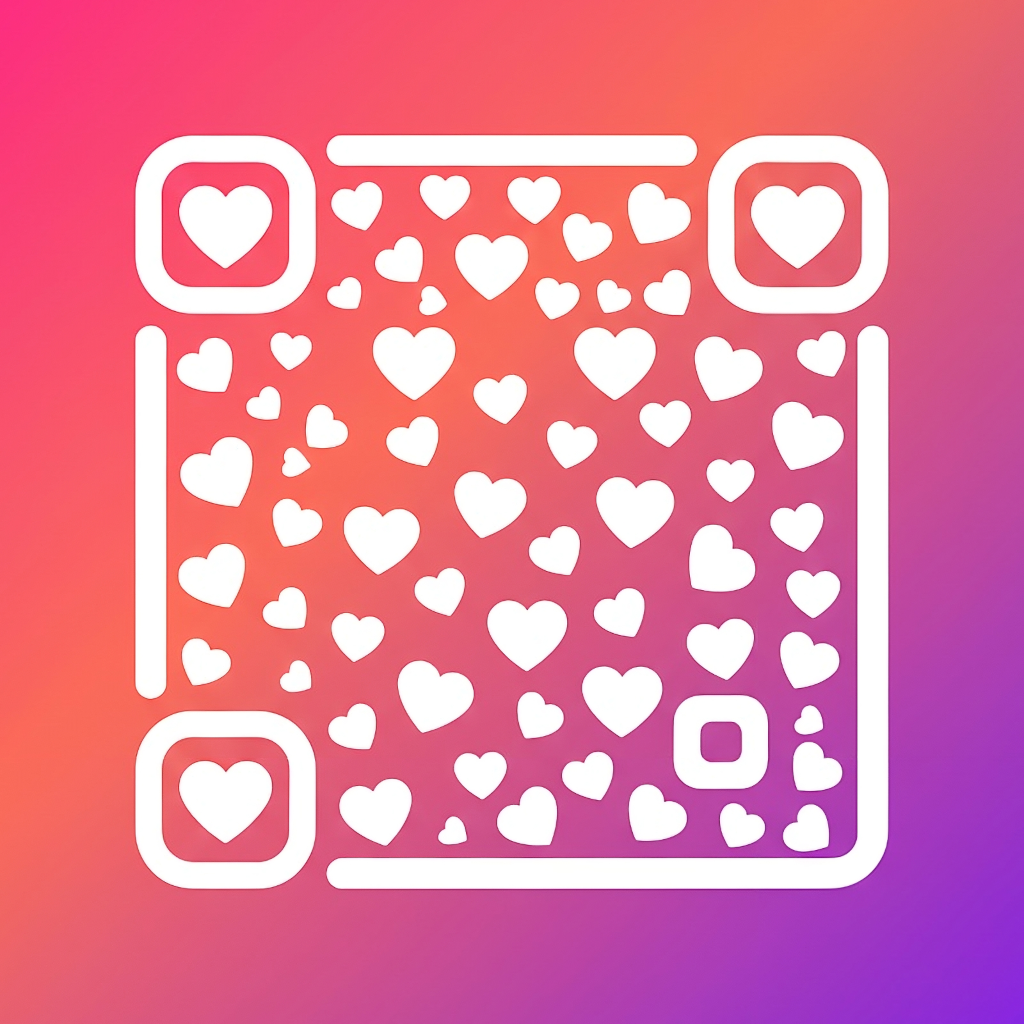
Add a logo to menu, booking, payment, contact or review QR codes.
Branded QR codes
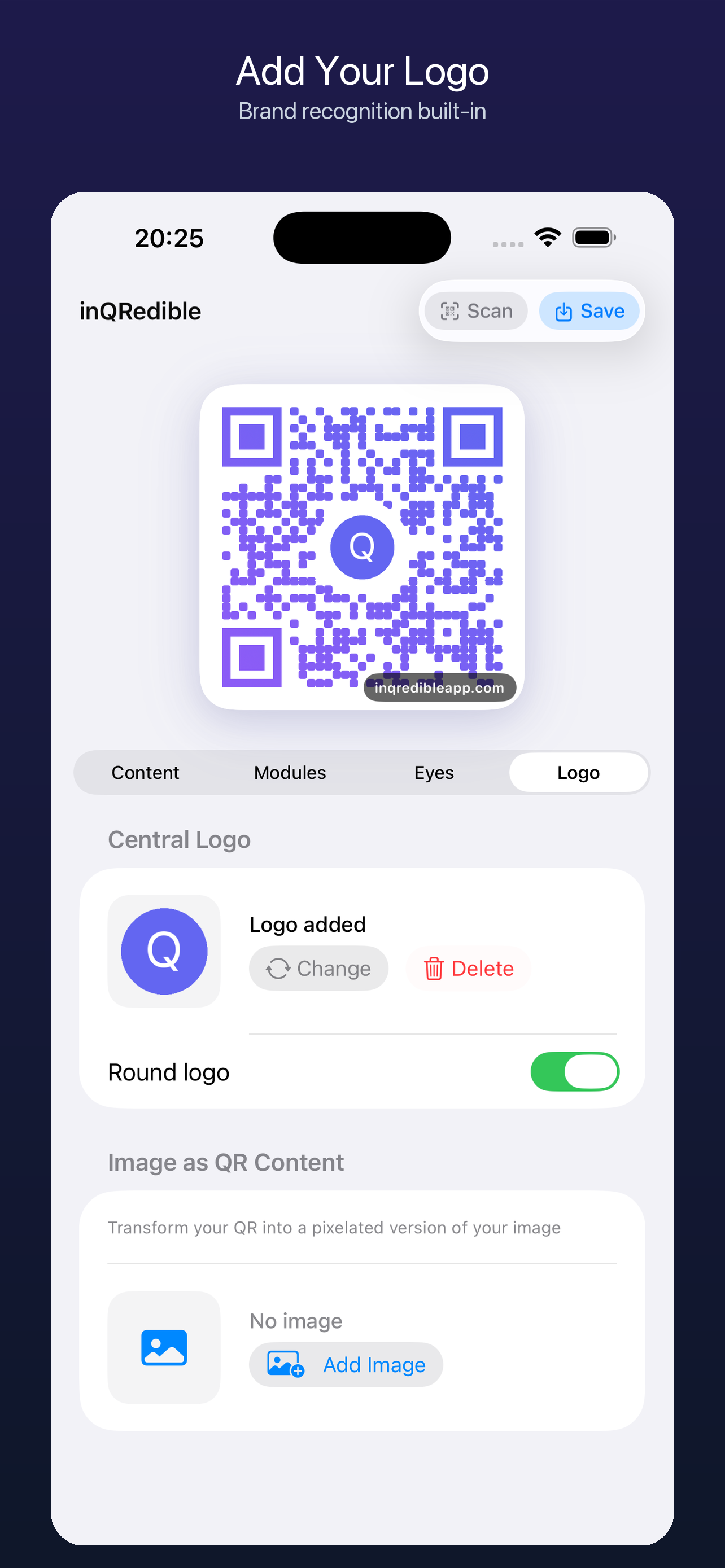
inQRedible helps you make a branded QR code for a link, Wi-Fi network, vCard, event, social profile or barcode. Add logo, colors, module shapes and QR eyes, then export PNG for web or sharing; PRO also provides higher-resolution and professional PNG, SVG and PDF options.
How it works
A logo QR code works best when the design is visible but the scanner still has enough contrast, spacing and structure. inQRedible gives you visual controls while keeping the workflow native to iPhone.
Best for
Add a logo to menu, booking, payment, contact or review QR codes.
Style social profile, video, music and landing page QR codes for posts or merch.
Export QR codes for posters, tickets, presentations, maps or calendar details.